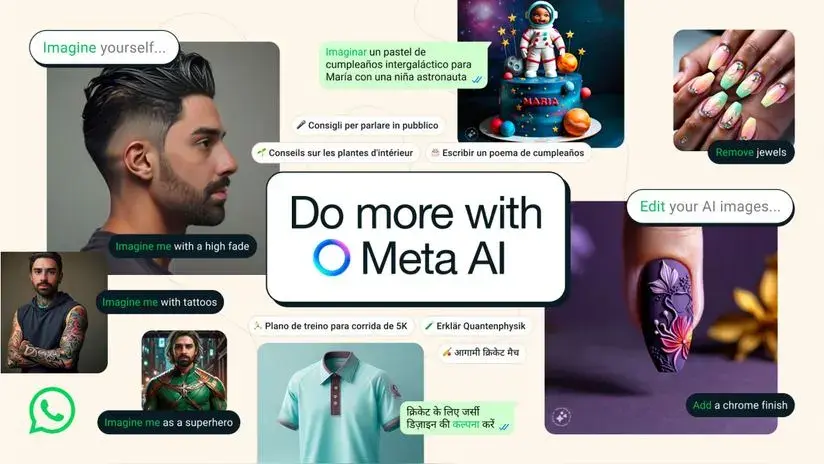
On July 14, many users reported the appearance of a new WhatsApp tool. This will be the Meta AI that was already announced at the event Connect 2023and where it was announced that the United States, India and some African countries would be the first countries to test this new feature.
¿What Meta AI is all about? Meta is an AI-powered assistant that allows users to create personalized stickers with the help of a chatbot, search for information and ask questions, thus facilitating various daily tasks and improving the user experience on the platform.
Although its functions are not limited to providing information, a notable feature of the Meta chatbot is its ability to create your own images based on user-submitted descriptions. It allows you to create unique visual content directly from the messaging app.
How to use Meta AI image generator?
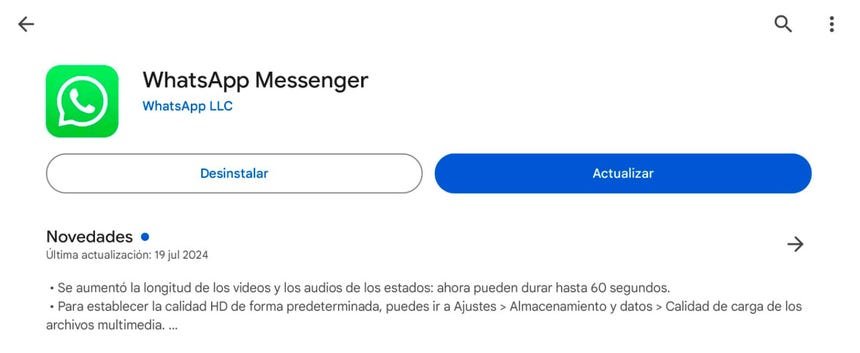
- Paso 1: To begin with, make sure you have the latest version of WhatsApp installed on your mobile device. If you don’t have it, go to the app store, the Play Store for Android devices or the App Store for iOS devices, and update the app. This update is crucial as the new Meta AI features are only available in newer versions of WhatsApp.
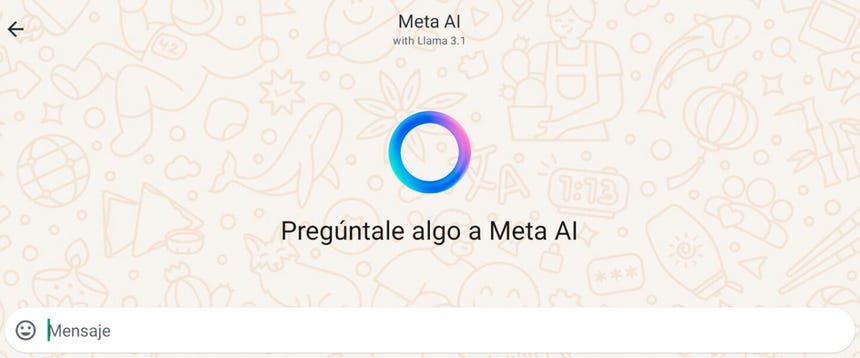
- Pass 2: After updating the app, open WhatsApp and search for Meta AI chat. This is indicated by an icon in a blue circle. Clicking on this icon will take you to the Meta AI chat where you can interact with the chatbot. Meta AI not only allows you to make queries and translate texts, but also offers many useful options that can make your everyday life easier.
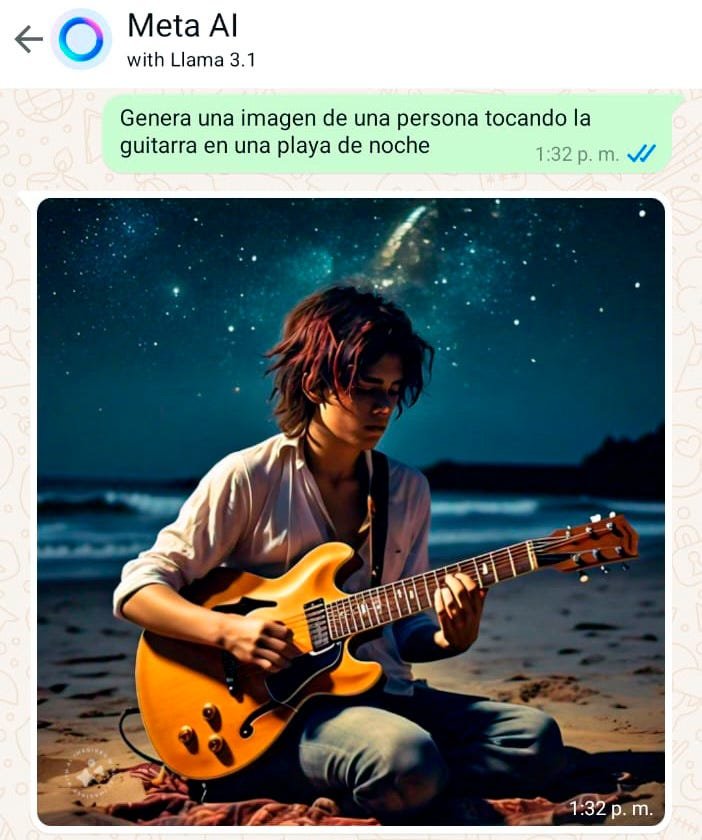
- Part 3: Interacting with Meta AI is as easy as talking to a friend. To create an image, simply enter a message indicating what you want the image to display. For example, you might ask, “Create a picture of a man playing a guitar on a beach at night.” Meta AI will process your request and generate an image in seconds, giving you a quick and effective visual response without leaving WhatsApp.
“Imagine Me” soon
“If you’ve ever wondered what you’d look like as a superhero, or wanted to experiment with new hairstyles or clothes, now you can do it with ease.” Here’s how Meta is promoting its new feature that lets users add their face to AI-generated photos by simply typing “imagine me” followed by a request.
This feature will be available in Meta AI for Facebook, Instagram, Messenger and WhatsApp. To demonstrate the ease of use, Mark Zuckerberg, Meta’s CEO, shared a video on Instagram where he scanned his face with Meta’s AI, then asked it to pose as a gladiator and then as a member of a “boy band.”
It should be noted that the feature is currently enabled beta version and available only in the United States. It is not yet available in countries in the region, but Meta has announced that more languages and countries will be added soon to expand its availability.